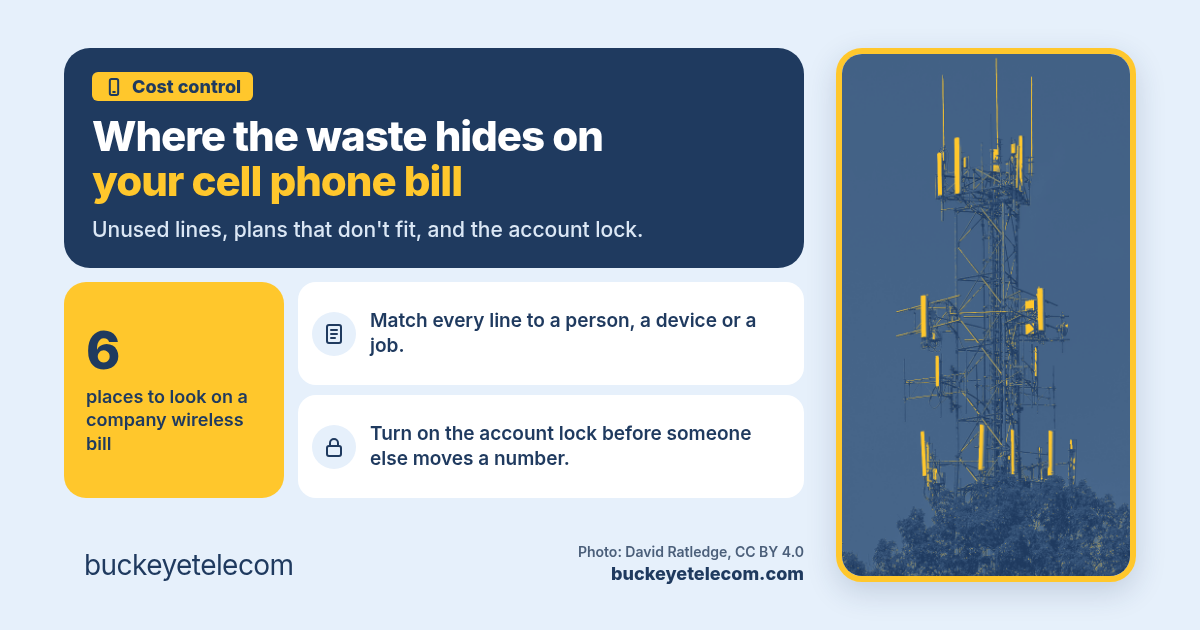
Where the waste hides on your company cell phone bill
Company cell phone accounts grow one line at a time. A new hire gets a phone, a tablet gets a data plan, someone turns on an international pass for a trip. People leave, devices land in a drawer, and the bill keeps coming. Here is where the waste usually hides, how to clean it up without cutting off something important, and why this is a good month to lock the account.
The short version
- Waste on a company wireless bill is often lines and add-ons nobody uses anymore, not just the rate per line.
- Match every line to a person, a device or a job. Anything you can't match is worth a closer look.
- Some lines are supposed to look quiet, like a backup internet SIM or an alarm panel. Check before you cancel.
- New FCC rules against SIM swap fraud took effect November 17, 2026. Ask each wireless provider for the account lock.
How a wireless bill grows
Nobody plans a messy wireless account. It builds up a line at a time, each one for a good reason:
- A new hire needed a phone on day one, so someone added a line.
- A sales team got tablets with data plans for a trade show.
- Someone traveled overseas and turned on an international pass.
- A new site opened and the manager set up its own account.
Then people leave, phones get replaced, and the trade show ends. The lines and add-ons stay, because canceling them is nobody's job. Companies get oversold, and wireless is one of the easiest places for it to happen, because the bill is long and the charges are small one at a time.
Where the waste hides
These six come up most when we go through a company wireless bill line by line.
Lines nobody uses
Phones from people who left, spare phones in a drawer, tablets and hotspots that still have a data plan. Each one bills every month whether anyone touches it or not.
Plans that don't fit
Everyone on the same big plan, even people who barely use data. Or the reverse: a few heavy users on small plans running into extra charges or slowdowns every month.
Add-ons that stuck around
An international pass turned on for one trip and never turned off. Device protection on a phone that was replaced two years ago. Features someone added once and nobody remembers why.
Device payments and credits
Lines kept open to finish paying off a phone, or because a promo credit only lasts while the line stays active. Sometimes that's worth it. Often nobody has done the math.
Accounts nobody manages
A separate account for each site or department, one on a manager's card, one still on an old rate plan from years ago. Nobody sees the whole picture, so nobody cleans it up.
Paying twice for one person
Someone with a company phone who also gets a monthly phone stipend, or two lines on the account for the same person. It's the same overlap that shows up with software and security.
One warning before you cancel anything: some lines are supposed to look quiet. A SIM in a router that only carries traffic when the main internet drops, a cellular line in a fire alarm or elevator panel, a tracker in a truck. They show little or no use most months and still matter. Our posts on what working internet failover looks like and fire panel lines after the copper sunset cover why.
How to clean it up
You don't need new software for this. You need the bills, a usage report and an hour with whoever knows who has which phone.
Pull every account
Get the last three months of bills for every wireless account the company pays for, including ones on a card or an expense report. Ask each provider for a line by line usage report from its business portal.
Tag every line
Next to each number, write who has it, what device it's in and what it's for. Lines with no calls, texts or data for a couple of months go on a short list.
Check before you cancel
For each line on the list, look for a device balance, promo credits tied to the line and any contract terms. Ask the site manager whether it's a backup internet SIM, an alarm or elevator line, or a tracker in a truck.
Fix the mix, then repeat
Move people to plans that fit how they use the phone, remove add-ons nobody needs, cancel in writing, and put a date on the calendar to do this again before each renewal.
If you're not sure what a charge on the bill means, start with how to read a business telecom invoice. The same habits apply to wireless: every line on the bill should have an owner and a reason.
Lock the account this month
A SIM swap is when someone talks a wireless provider into moving your phone number to a SIM card they control. Once they have the number, they get your texts, including sign-in codes. For a business, that might be the owner's number, the controller's, or the one your bank texts.
The FCC adopted rules against SIM swap and port-out fraud in 2023. The last parts took effect November 17, 2026, and wireless providers must comply by December 17, 2026. Providers have to notify the customer before a SIM change goes through, and offer every customer a way to lock the account against SIM changes at no cost. The 2023 order also requires providers to use secure ways to confirm who is asking before a number is ported out.
What to do now:
- Ask each wireless provider how its account lock works on a business account, and turn it on for the lines that matter most.
- Check who is listed as an admin on each account. If it's someone who left the company, fix that first.
- Keep the account PIN and transfer PIN with more than one person, written down somewhere safe.
- If you plan to switch providers, remember the lock and PINs before the move. Read how to keep every number when you switch first.
How we help
We've been an independent, owner-led advisor since 2003, based in Sugar Grove, Ohio. We help businesses across the US with phones, internet, mobility, data center, cloud, managed IT and managed security. We look at everything you pay for and find ways to make it simpler and smaller. For wireless, we go through the bills line by line with you, compare business plans from the providers that fit, and handle the move. More on mobility and 5G backup.
I own Buckeye Telecom and can't know everything, so on every deal I bring in engineers and experts I trust. Contracts go in your company's name.
How we get paid: The providers pay us, and you pay the same rate as going direct. The engineers are on our tab, not yours. We put that in writing before you sign.
Sources (checked November 18, 2026)
Questions we get on the first call
How long should a line sit unused before we cancel it?
Will canceling a line cost us anything?
Should we put everyone on an unlimited plan?
What do the new FCC SIM swap rules require?
Does Buckeye sell phones or wireless plans?
Read next
Related reading
- Month-to-month vs term telecom contracts
- Fire panel lines after the copper sunset
- Switching phone providers? Keep every number.
How to read a business telecom invoice
What each section of the bill means, and where the extra charges hide.
Read → Cost controlWhat a real telecom audit uncovers
What a line by line review of your bills usually turns up.
Read → Next stepCompare your bill
Send your bills. We compare them with the providers that serve your sites and come back in 1 business day.
Compare your bill →Send us your wireless bills. We'll go through them line by line.
No charge for a bill audit. The providers pay us, and you pay the same rate as going direct.