Can you list every circuit you pay for?
Ask most companies with more than a few sites for a list of every internet circuit, phone line and data link they pay for, and you usually get a spreadsheet from two years ago and a guess. That list matters most on the day a site goes down and in the month a contract renews. Here is what belongs in it and how to build it from the bills up so it stays right.
We look at everything you pay for in phones, internet, IT and security, and tell you what to keep, what to cut and what to replace.
Call 614-224-2003. It rings Jonathan and the team.
The short version
- A circuit inventory is one row per circuit, tied to a site, a bill and a contract. Most companies don't have a current one.
- Build it from the bills, not from memory. Then walk the sites and match what's on the wall to what's on the invoice.
- Anything billed with no site attached, or a site with lines nobody can explain, goes on a short list to check.
- Quiet lines aren't always waste. Alarm panels, elevators and backup links look idle most months and still matter.
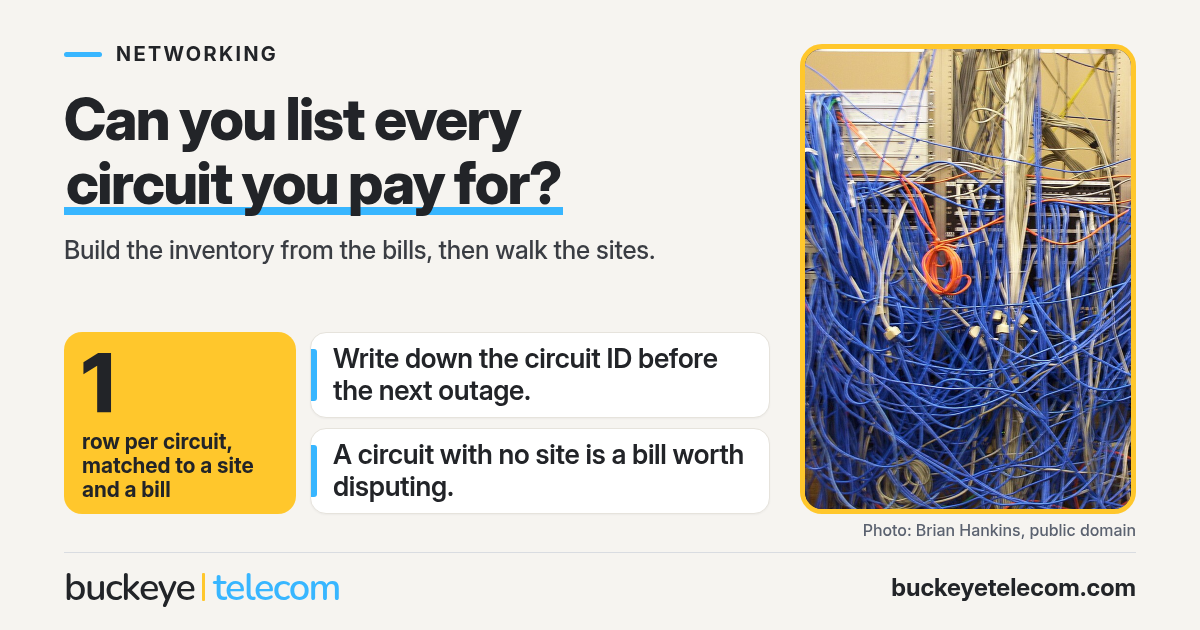
Why the list goes stale
Nobody sets out to lose track of a circuit. A site opens and the manager orders internet from whoever answers the phone. An upgrade adds a new line, and the old one never gets turned off. A provider sells its business to another provider and the bills change names. Someone who knew all of it leaves.
The cost shows up at bad moments. A branch goes down and the person on the phone with the repair desk can't find the circuit ID. A contract renews for another term because nobody knew the notice date. An office closes and its lines keep billing for a year. A copper line that still runs the fire panel gets canceled because it looked unused.
None of that takes special software to prevent. It takes one list that somebody owns, built from the bills and checked against what's actually in each building.
What goes in each row
A spreadsheet is fine. What matters is that every circuit has these filled in.
The site and its exact address
Use the street address the provider has on file, with suite or building number. A circuit tied to the wrong address is hard to repair, hard to move and easy to keep paying for after the site closes.
Provider, account and circuit ID
The account number is how you get billed. The circuit ID is what the repair desk asks for when the site is down. Write both down, along with the support number that actually reaches someone.
What it is and how fast
Dedicated fiber, cable broadband, a copper phone line, a wireless backup, a private link between sites. Note the speed you're paying for and whether it comes with a static IP block.
Where it lands in the building
The demarc is the point where the provider's wiring ends and yours starts. Note the room, the rack and the label. Whoever is on site during an outage will need to find it fast.
Contract dates and the notice window
Start date, term, end date and how much notice the contract needs before it renews on its own. Pull these from the signed paperwork, not from what someone remembers being told.
What depends on it
Phones, the point of sale, the camera system, an alarm panel, the elevator, the backup for another site. This is the column that tells you what breaks when the circuit does, and what not to cancel.
The last column is the one people skip, and it's the one that keeps you out of trouble. A line that only carries traffic when the main connection fails, or one that only rings when an alarm goes off, will look idle on every bill. Our posts on what a working backup connection looks like and fire panel lines after the copper sunset explain why those lines still matter.
How to build it from the bills up
With a lot of sites this takes longer than people expect. Most of the time goes to the site walks.
Start from the bills
Pull the last three months of invoices from each provider, including the ones paid on a card or by a site manager. Every recurring charge becomes a row. If it's on a bill, it's on the list.
Ask each provider for its list
Ask the provider for the list of services on your account, with circuit IDs and service addresses. Compare it with your rows. Things that show up on one list and not the other are worth a closer look.
Walk the sites
Have someone at each location photograph the demarc, the provider's equipment and any labels. Match each piece of hardware on the wall to a row. Old copper lines often turn up here.
Sort what's left
By now most rows are matched. For the rest, ask the provider and the site what the circuit is for. The ones you don't need get canceled in writing, after you check what depends on them.
If a charge has been billing for a service you canceled or never had, don't just stop paying it. Raise it with the provider in writing. Our guide to disputing a telecom bill error walks through what to send and what to keep.
Keep it current
An inventory is only useful if it's right the day you need it. Give it one owner, even if several people send that owner updates. Change the list whenever a circuit is added, moved, upgraded or disconnected, and keep the order or disconnect confirmation with the row.
Once a year, check it against the bills again. Do the same a few months before any contract end date, so the renewal is a decision instead of a surprise. Our post on the renewal window before a contract auto-renews covers the timing. And if a provider promises uptime in the contract, keep a copy of the SLA next to the circuit, since what an uptime SLA covers is often narrower than people think.
A current list also makes the next move easier, whether that's adding a site or getting fresh quotes for every location at once.
How we help
We've been an independent, owner-led advisor since 2003, based in Sugar Grove, Ohio. We help businesses across the US with phones, internet, mobility, data center, cloud, managed IT and managed security. For multi-site companies, we go through the bills and provider service lists with you, and build the circuit list site by site. Then we help get the disconnects and disputes done. More on multi-site management.
I own Buckeye Telecom and can't know everything, so on every deal I bring in engineers and experts I trust. Contracts go in your company's name.
The providers pay us, and you pay the same rate as going direct. The engineers are on our tab, not yours. We put that in writing before you sign.
Questions we get on the first call
What's the difference between a circuit ID and an account number?
Can the provider just send us a list of what we have?
We found a circuit at a site we closed. What now?
How often should we update the inventory?
Do you charge to build a circuit inventory?
Read next
Related reading
- Nobody owns it: why multi-location telecom falls apart
- How to consolidate telecom vendors across many locations
- How to dispute a telecom bill error
Nobody owns it
Why multi-location telecom falls apart when no one person owns the whole picture.
Read Cost controlDispute a telecom bill error
What to send, what to keep and how to get billing mistakes fixed.
Read Next stepMulti-site management
How we keep providers, contracts and circuits straight across every location.
See how it worksSend us the bills for every site. We'll help you build the list.
The providers pay us, and you pay the same rate as going direct.