Is your server closet still the right data center?
If your servers, firewall and storage live in a room that was built to be a closet, that room is your data center. Here is how to tell when it is time to move some of it, what colocation actually gives you, and what to compare before you sign.
Rings Jonathan and the team 24x7.
Carriers and platforms we compare.
















The short version
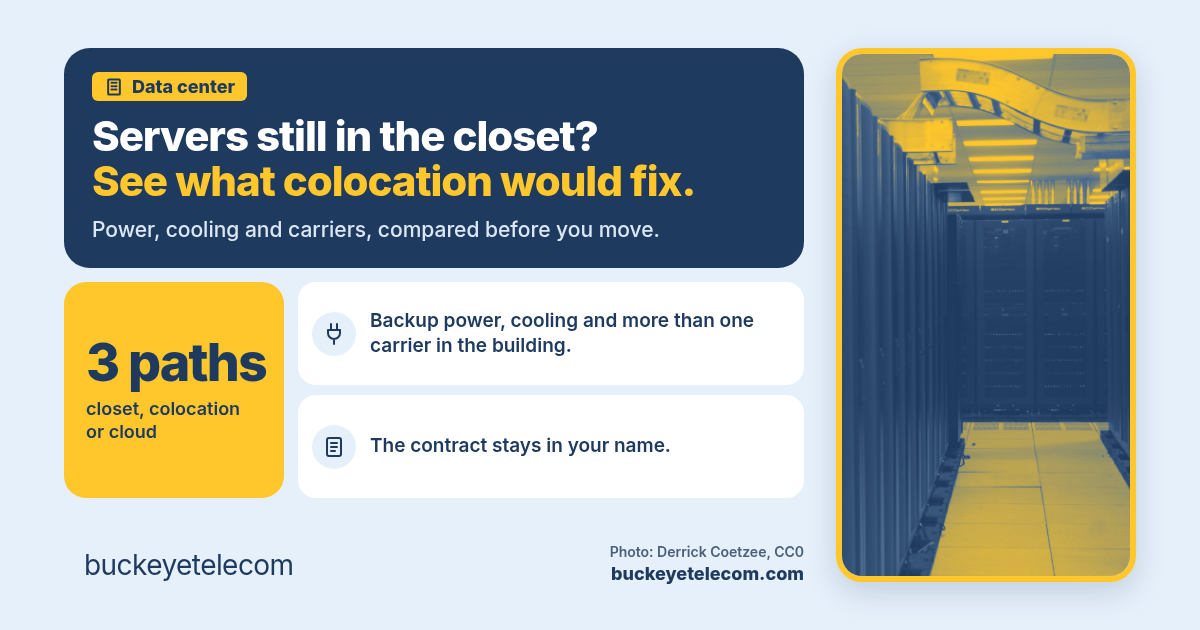
- A server closet is a data center with no generator, often one cooling unit and usually one carrier coming into the building. That works until a hot weekend, a power cut or a fiber cut.
- Colocation means you rent space, power and cooling in a building made for servers and keep owning your equipment. The facility handles power, cooling, physical security and access to carriers.
- The real choice is closet, colocation or cloud, and it is made workload by workload. Most businesses end up with some of each.
- Compare power, cross-connects, the carriers in the building, remote hands and contract terms side by side. The monthly rack rate is only one line of the quote.
Signs the closet has outgrown itself
Most server rooms were never planned. A rack went into a storage room when the company was smaller, and over the years it picked up the firewall, the storage array, the phone gear and the backup box. Nobody decided it would become the most important room in the building. It just did.
Here is what we hear when it is time to look at moving some of it:
- The room runs hot. There is a portable air conditioner on the floor, or someone props the door open on weekends.
- The battery backup carries the servers for minutes, not hours, and nobody remembers the last time it was tested.
- One internet circuit comes into the building, so a cut line takes down every site that depends on those servers.
- Landlord electrical work or a building shutdown means downtime you have to plan around.
- An auditor or your cyber insurer is asking about access logs, cameras and environmental monitoring for that room.
- You are adding locations, and the closet at headquarters has become a single point of failure for all of them.
None of these mean you have to move everything. They mean the room is carrying more risk than it was built for, and that is worth a look before the next renewal or the next outage.
What colocation actually gives you
You keep your servers. You rent the building around them: space by the rack, cage or suite, plus power, cooling and a front door that is watched around the clock.
Power that stays on
Utility power backed by batteries and generators, maintained and tested by people whose whole job is keeping it on. Ask whether your racks can get two separate power feeds.
Cooling built for servers
Rooms designed for the heat that racks put out, with spare capacity, instead of an office air conditioner that shuts off on weekends.
A choice of carriers
Carrier-neutral facilities have many networks in the building. You connect to the ones you pick with a cross-connect, and adding a second carrier is a short order instead of a construction project. Many also offer direct on-ramps to the large cloud platforms.
Security an auditor can check
Badge and biometric access, cameras, visitor logs and staff on site. Most facilities publish third-party audit reports, such as SOC 2, that you can hand to an auditor or an insurer.
Closet, colocation or cloud: workload by workload
This is not an all-or-nothing decision. The useful question is where each workload belongs.
- Stays on site: the network gear each office needs to run, and anything that has to keep working when the internet is down, like a local controller on a plant floor.
- Good fit for colocation: servers you own and plan to keep for a few more years, storage, backup targets, and systems with licensing or hardware that does not move well to the cloud.
- Good fit for cloud: workloads that grow and shrink, systems a software vendor now offers as a hosted service, and anything you would rather not buy hardware for again.
Once workloads leave the building, the connections matter more than they did. Your offices need a solid path to the data center, often dedicated internet or SD-WAN, and the data center may need a private link to your cloud provider. If that circuit is a single shared cable connection, you have moved the risk, not removed it. Our post on fiber DIA vs cable covers what to compare, and what working failover looks like covers the second path.
What to compare before you sign
Two quotes with the same rack count can be very different deals. Put these on one sheet for every facility you are looking at.
Power, not just space
How much power each rack is committed to, how it is measured, what happens if you go over, and whether you get two feeds. Power is often what decides the real cost of the space.
Carriers and cross-connects
Which carriers are already in the building, how cross-connects are ordered and billed, and how long they take. Ask for the list in writing, not the brochure.
Remote hands and access
What the on-site staff will do for you, how fast, what is included and what is billed by the hour, and how your team gets in after hours.
Term, increases and exit
Contract length, yearly price increases, renewal notice windows and what help you get moving out. These matter more in year three than the first-year rate.
Ask for the facility's service levels in writing, for power, cooling and network, and read the credit terms the same way you would a carrier's. Our post on the 99.9% uptime promise explains what those numbers do and do not cover. And put the renewal date on the calendar the day you sign, because data center contracts auto-renew too: treat the renewal as a decision window.
How Buckeye helps
We've been an independent advisor since 2003 and we're in Sugar Grove, Ohio. We help businesses with one office or hundreds, anywhere in the US, choose phones, internet, data center, cloud and managed security across 400+ carriers and providers, and we handle the switch. We carry no products and no delivery team. You hold the contract in your name.
Talk: list what is in the closet
Every server, appliance, circuit and backup target, what each one does, and what it would cost you if it went down. Then we sort it into closet, colocation or cloud.
Compete: facilities and circuits together
We quote data centers and the connections to reach them across carriers, normalized so power, cross-connects and terms compare cleanly. Leaving it where it is stays on the table.
Stay: after the move
We track the renewal dates, price increases and cross-connect changes, and we chase the provider when something is wrong.
Questions we get on the first call
What is colocation?
Is colocation the same as the cloud?
What does carrier-neutral mean?
How far away should the data center be?
Do we still need our IT team or MSP?
What does Buckeye charge to compare data centers?
Related
Data center and cloud.
Colocation, cloud and the connections between them, compared.
Read → NetworkingWhat working failover looks like.
Two paths into the building, and tests that prove it.
Read → NetworkingFiber DIA vs cable.
The circuit that connects your offices to the data center matters.
Read → SLAThe 99.9% uptime promise.
Read the facility SLA the same way you read a carrier's.
Read → ComplianceYour cyber-insurance renewal.
Insurers ask where the servers live and who can get in.
Read → CompensationHow we get paid, in plain English.
Carrier residual, disclosed. Same price as going direct.
Read →Thirty minutes. A plan for what is in the server closet.
No deck, no discovery engagement, no obligation. You deal with the principal from the first call.
Book a call